
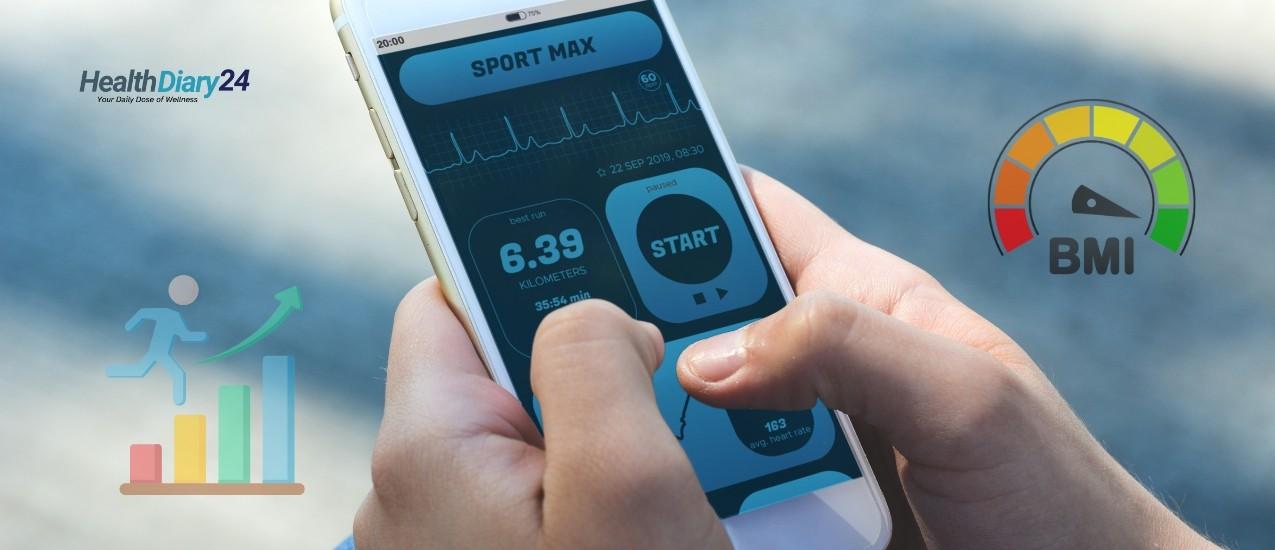
If you want simple, reliable tools to watch your numbers, Free BMI Calculator Apps That Track Your Progress Daily give you instant calculations, daily logs, and clean charts—so you can see trends and stay motivated. Remember: BMI is a screening metric, not a diagnosis, and adults should use adult BMI calculators while kids and teens need BMI-for-age percentiles.
How to choose Free BMI Calculator Apps That Track Your Progress Daily
Look for these must-haves so you’ll actually use the app every day:
- Daily weight/BMI logging with reminders and a simple input screen
- Trend charts (7-day, 30-day, 90-day) so you can spot momentum
- Notes & measurements (waist, body fat, photos) to add context
- Sync options (smart scales, watches, Google Fit/Apple Health)
- Privacy controls and easy export of your data
The best Free BMI Calculator Apps That Track Your Progress Daily
Below are free options (Android, iOS, or both) with proven daily logging and charts. Pick the ecosystem you already use.
Google Fit (Android)
Why it’s great: Free, simple weight logging with a trendline so you can visualize change over time; integrates with many apps and devices. To log: Home → Weight → view/adjust timeframe on the graph for daily dots and rolling trend.
Google Help
Bonus: Google Fit automatically tracks activity and can centralize health data from connected apps/wearables.
Apple Health (iOS)
Why it’s great: Central health hub; once height and weight are in, the Health app can calculate BMI and let you log/display it as a data type—handy for daily tracking. Guides note BMI is calculated from your entries; some users report you may need to manually add BMI to show it in the dashboard.
Samsung Health (+ Galaxy Watch, Android)
Why it’s great: Daily logging in the Samsung Health app plus optional body composition readings (with compatible Galaxy watches) that include BMI, body fat %, and more—making trend tracking especially visual.
Samsung br
FYI: Samsung’s BIA/Body Composition feature runs through Samsung Health and the watch; Samsung’s docs outline how BMI is computed from height and weight.
MyFitnessPal (iOS/Android)
Why it’s great: Free accounts can record weight daily and add other measurements; the “Progress” area shows charts over time. You can also add BMI as an additional measurement if you prefer to track it directly.
BMI Calculator — Appovo (Android)
Why it’s great: Lightweight, focused app to calculate and track BMI with quick entry and graphs—ideal if you just want a no-frills BMI tracker you can open, log, and close in seconds.
Weight-BMI Tracker (Android)
Why it’s great: Tracks weight, BMI, and body fat % with progress charts—nice if you want a bit more than a basic calculator but still a simple daily log.
BMI Tracker — Weight Calculator (iOS)
Why it’s great: Straightforward BMI calculator + weight tracking for iPhone; easy to input and review your daily progress without extra clutter.
Note for families: The CDC’s free calculator widget is for adults; for children and teens (2–19), use BMI-for-age percentiles instead.
A 5-minute setup to start tracking today
Step 1: Pick your platform
Choose one of the Free BMI Calculator Apps That Track Your Progress Daily above that fits your phone/watch.
Step 2: Enter your baseline
Add height (once), current weight, and (if available) waist or body fat %. If you’re on iPhone, ensure BMI appears in Health’s Body Measurements list.
Step 3: Turn on reminders
Set a daily reminder at a time you can stick to (e.g., right after waking or after brushing your teeth).
Step 4: Add one sync
If you use a smart scale or wearable, connect it (e.g., to Google Fit or Samsung Health) so your daily weight/BMI lands in your log automatically.
7-day quick-start plan (keep it effortless)
- Day 1: Install your pick. Log height + weight. Take a starting photo (optional).
- Day 2: Weigh at the same time as Day 1; add a tag like “morning, fasted” for consistency.
- Day 3: Glance at the 7-day chart—one data point won’t tell you much; patterns will. Google Help
- Day 4: If you’re on Samsung Health with a compatible watch, take a body composition reading for more context. Samsung br
- Day 5: In MyFitnessPal or your chosen app, add a note (sleep, workout, sodium) so future you can explain bumps. MyFitnessPal Help
- Day 6: Set a weekly review reminder to check the 30-day trend.
- Day 7: Decide whether daily or 3x/week logging feels more sustainable—then stick to it.
Smart tips for better daily data
Same time, similar conditions
Morning, after bathroom, before eating/drinking is the most repeatable routine.
Use trendlines, not single numbers
Most apps plot trend lines to smooth daily noise—trust the trend more than day-to-day jumps. (Google Fit shows dots for each weigh-in plus an averaged trend line.)
Add context beyond BMI
If your app supports it, track waist, photos, or body fat % (Samsung Health + Galaxy Watch) to see changes BMI can miss.
Limitations & language that helps
BMI is a height-to-weight ratio; it doesn’t directly measure body fat, fitness, or health. Use it as a neutral starting point alongside habits, energy, sleep, and lab results. For medical questions or personalized targets, talk to a clinician—and use child/teen percentile charts for anyone under 20.
Bottom line: Free BMI Calculator Apps That Track Your Progress Daily
Pick one app, log at the same time each day, and watch the trend. Whether you choose Google Fit, Apple Health, Samsung Health, MyFitnessPal, or a dedicated BMI tracker, these Free BMI Calculator Apps That Track Your Progress Daily make it easy to capture the small wins that add up over time.
Note: BMI is a screening tool. For kids/teens, use BMI-for-age percentiles; adults can use standard adult BMI calculators.